MILKY
WAY

App MilkyWay Casino

Get full access to the casino on your phone

Install the app, play slots and other games, and claim bonuses — anytime, anywhere.

Safe installation with no additional setup.

Keep the casino at your fingertips — no need to search for the link.
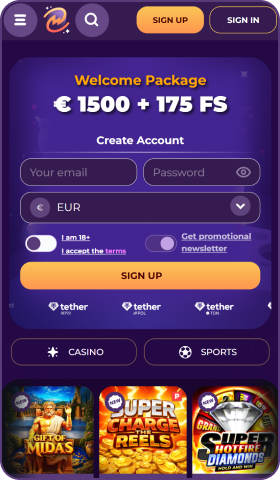
device

Get notifications about bonuses and tournaments.

Quick launch in full-screen mode with no browser bars.

Android

Instructions for Android users

MilkyWay Casino

Install

1. Tap “Install” on the app page.

MilkyWay Casino

Install app

MilkyWay Casino

Cancel

Install

2. Confirm the installation in the system dialog.

MilkyWay Casino

Open

3. When the installation is complete, tap “Open”.

iOS

Instructions for iOS users

Share

1. Open the site in Safari and tap “Share”.

Options

Add to Home Screen

+

2. Select “Add to Home Screen”.

Cancel

Add

MilkyWay Casino

3. Tap “Add” in the top-right corner.

MilkyWay Casino

4. The MilkyWay Casino app has been added to your Home Screen.


MILKY
WAY

© Milky Way

2026 - All rights reserved


cga

Milkyway.casino is owned and operated by WoT N.V., a company registered under number 129742 at Kaya Richard J. Beaujon Z/N, Curaçao, and is licensed and authorized by the Curaçao Gaming Control Board under license no. OGL/2024/452/0687.

In order to register for this website, the user is required to accept the General Terms and Conditions. In the event the General Terms and Conditions are updated, existing users may choose to discontinue using the products and services before the said update shall become effective, which is a minimum of two weeks after it has been announced.

Access to online money game sites is forbidden under some national laws. It is the responsibility of each individual player to ensure that they are acting within the law.

Gambling can be addictive. Play responsibly. 18+